Signals BETA: 16 new buying signals for your target accounts
20th May 2026
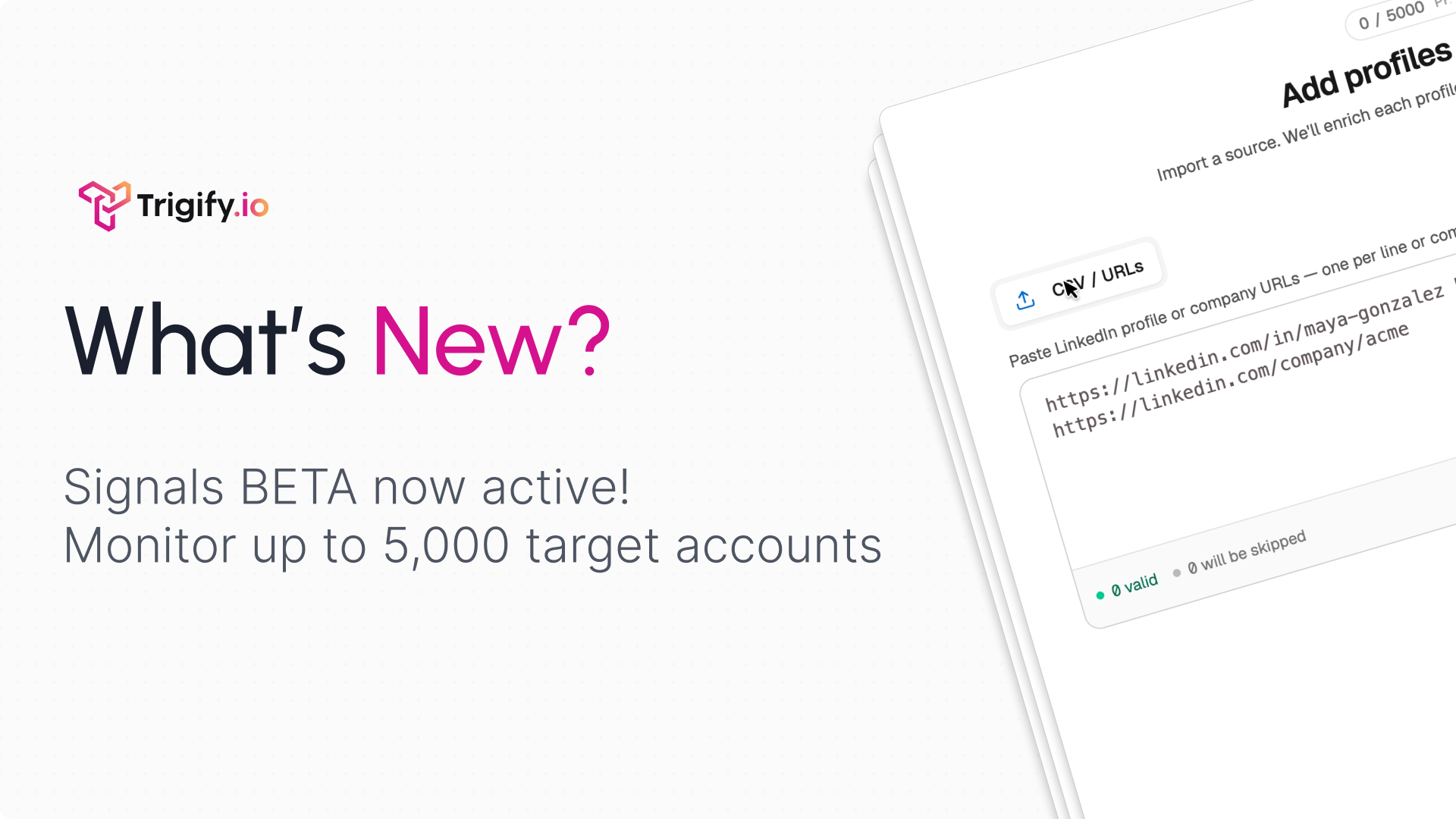
Signals is now in beta in Trigify. This is one of the biggest updates we have shipped: a new ABM engine for spotting account intent from the people and companies you care about, then turning those moments into workflows.
What you can do
Track key people and companies by adding profile or company URLs manually or with a CSV upload.
Choose from 16 signal types across person, profile, company, and account activity.
Review credit usage before launch with a clear breakdown based on the signals you select and how often Trigify checks them.
See a timeline of fired signals with the reason, account context, signal count, date filters, and severity details.
Trigger workflows from signals so your team can enrich, qualify, alert, route, or create outbound from the moment a signal appears.
16 signals included
Insights
Signals are the things you tell Trigify to watch for.
Insights helps uncover the patterns you did not know to look for, like narrative shifts across a target account or common behaviours across a group of similar buyers.
How to get started
Go to Settings -> Early Access and enable Social Signals if you do not see the Signals section.
Add the people or companies you want to monitor.
Configure the signals you care about.
Review the credit estimate and launch.
Connect Signals to a workflow using the new Social Signals trigger.
Signals is launching in beta, so we want your feedback. Tell us what works, what is missing, and which signals would make this more useful for your team.
Signals is also available through the app, API, CLI, and MCP.