Configure Signal
The Configure Signal node creates a signal that appears in your Trigify dashboard. Signals are notifications that highlight important events detected by your workflows.
When to Use
Use Configure Signal when you want to be notified about specific events your workflow detects, such as high-intent leads, negative sentiment posts, or new opportunities.
Inputs
Output Variables
Syntax Example
{{ !ref($.steps.configureSignal.result.signalId) }}Pro tip: Use different severity levels to prioritize your signals. Set HIGH for time-sensitive opportunities and LOW for informational alerts.
Pro tip: You can use signals to trigger new workflows. This is great for processing only the key signals or sending them to notify you in an app like Slack.
Creating a Signal
Signals are set up using the Configure Signal node (see screenshot below).
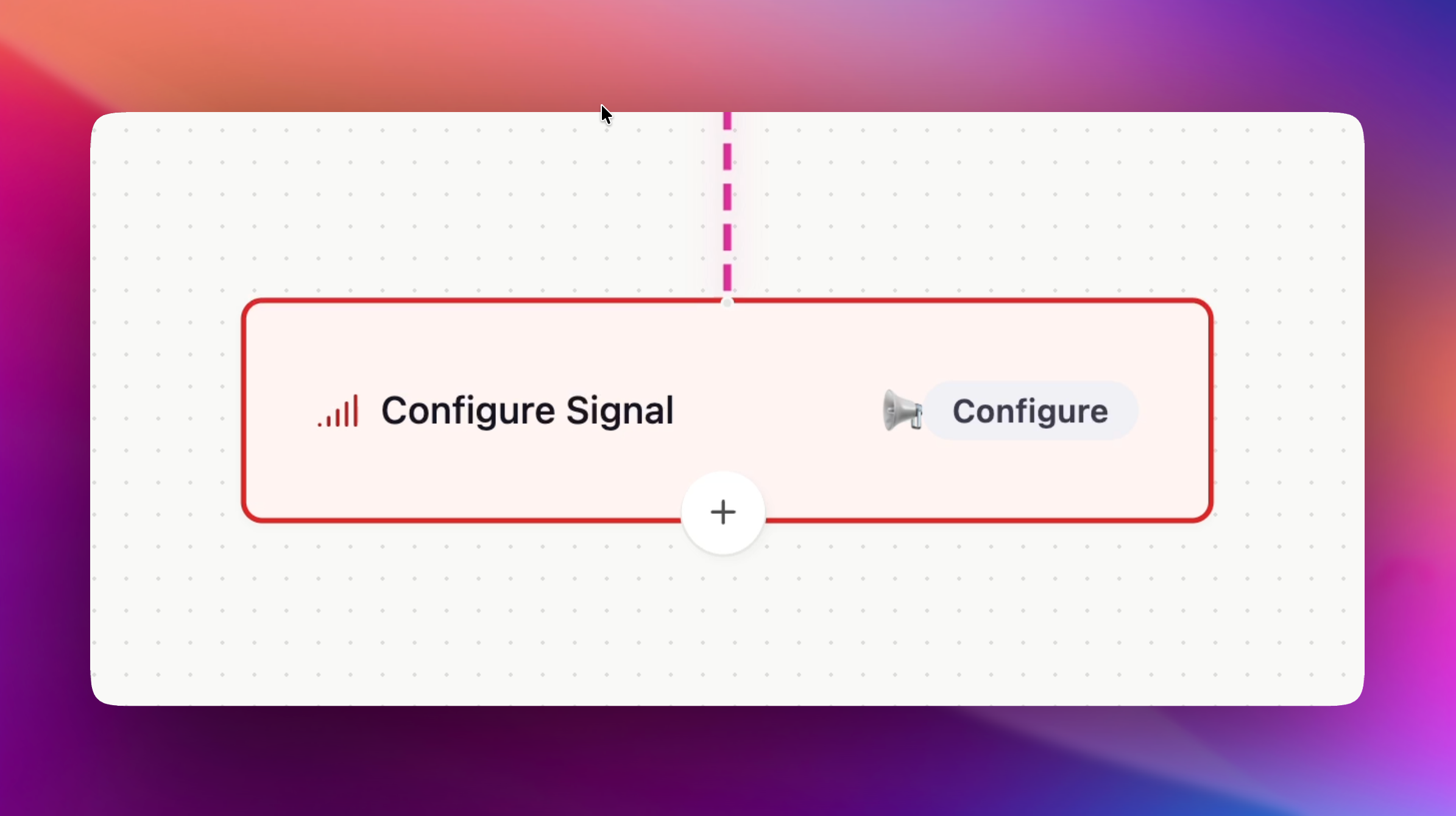
When adding a Signal, you can define:
Signal Name - A clear, descriptive title (e.g. User Experience , Competitor Launch Alert).
Description - What this signal represents and the conditions under which it fires.
Severity Level - Mark the urgency as Low, Medium, or High.
Category - Organise signals by team or purpose (Sales, Marketing, Support, Product, HR, Finance).
Why Signals Matter
Signals let you translate workflow outcomes into meaningful, trackable insights. They act as custom milestones that can:
Be displayed in the Signals panel with real-time updates.
Carry impact ratings (e.g. High Impact feedback on a business network).
Trigger new workflows for downstream automation.
Example Signals
For Marketing:
High-Impact Customer Feedback Positive sentiment detected on YouTube, used to amplify in campaigns.
Emerging Topic Alert New trend identified on Reddit worth tracking.
Negative Brand Mention Signal marketing to prep a comms response.
For Sales:
Competitor ComparisonProspect mentions a competitor in a buying context.
Intent SignalPotential customer asks for recommendations in a forum.
Opportunity AlertHigh-value lead identified through The Business Network.
Triggering New Workflows With Signals
Signals aren’t just endpoints, they can act as triggers for new workflows.
For example:
When a Negative Post Signal is created → Notify the executive team immediately.
When a Competitor Feature Signal fires → Create a ticket for the product team.
When a High-Impact Feedback Signal appears → Share it directly with sales for outreach.